
Table of Contents
Introduction: The Ultimate Handheld Evolution
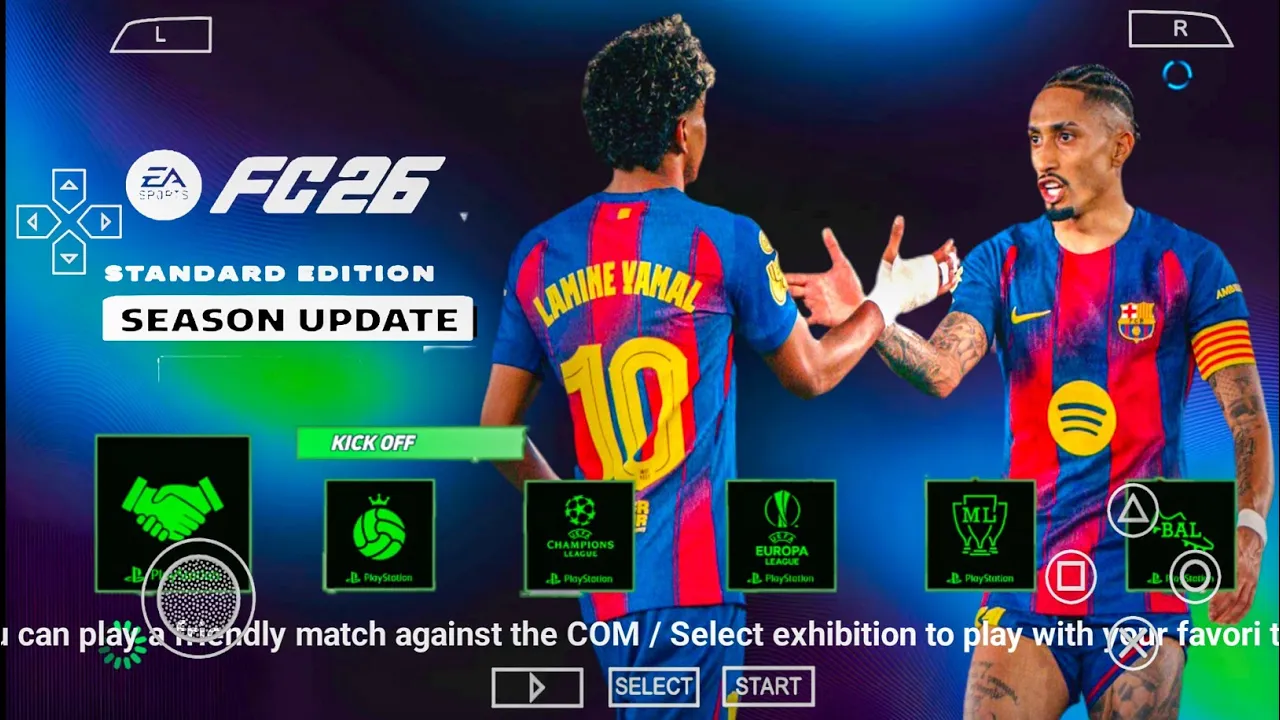
The transition from FIFA to the EA Sports FC era has completely redefined what fans expect from mobile football. While official versions often pivot toward online-only play, the EA Sports FC 26 PSP ISO V1 remains a fortress for offline gamers. This latest update for 2026 leverages the high-performance PPSSPP emulator to deliver a console-quality experience on smartphones. By merging the smooth, tactical gameplay of classic Sony handheld titles with the ultra-modern visual identity of the FC 26 brand, this V1 release stands as the definitive way to play portable football this year.
Gameplay: Mechanical Precision and AI Intelligence
The core of the EA Sports FC 26 V1 mod is its refined gameplay physics. Unlike modern titles that can feel scripted, this PSP ISO focuses on manual control and player agency.
- Responsive Dribbling: The “Active Touch” system has been simulated to allow for sharper turns and more realistic ball control when sprinting.
- Tactical AI: In the 2026 update, teammates are programmed to recognize space more effectively, making overlapping runs that mirror modern tactical setups like the “Inverted Fullback.”
- Advanced Ball Physics: Long-range strikes and crosses now have unique flight paths based on the player’s “Curling” and “Power” stats.
Features: What’s New in the 2026 V1 Update
The V1 version is more than just a roster update; it is a full-scale seasonal overhaul including:
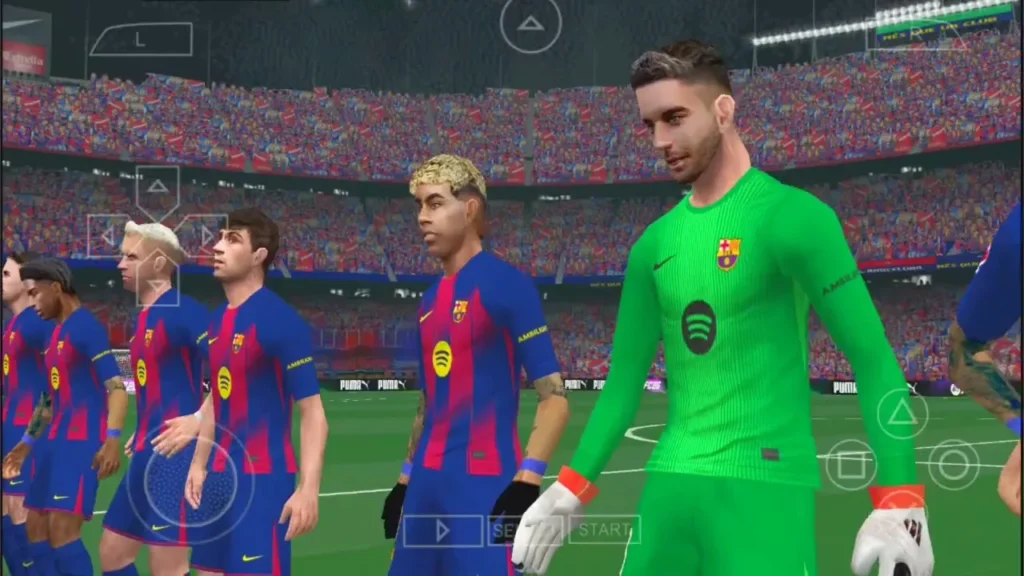
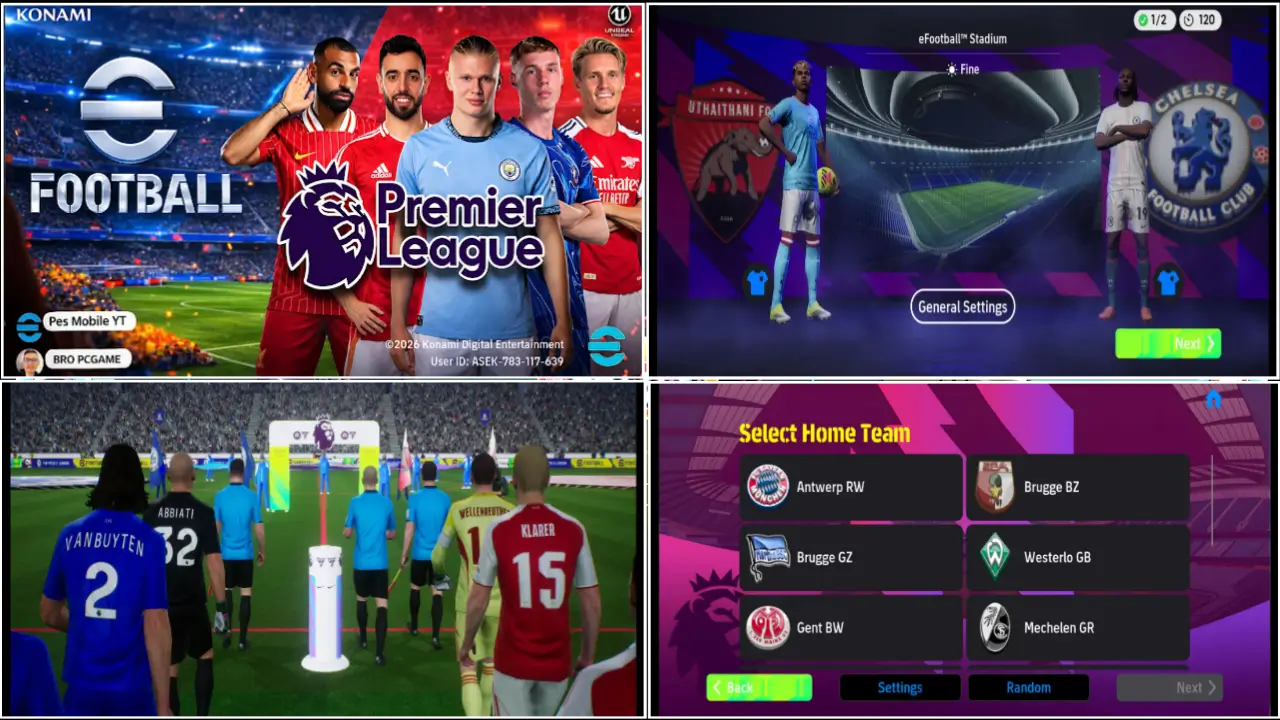
- PS5 Camera Mode: Experience a wider, broadcast-style view that mimics the PlayStation 5 perspective, giving you a better view of the entire pitch.
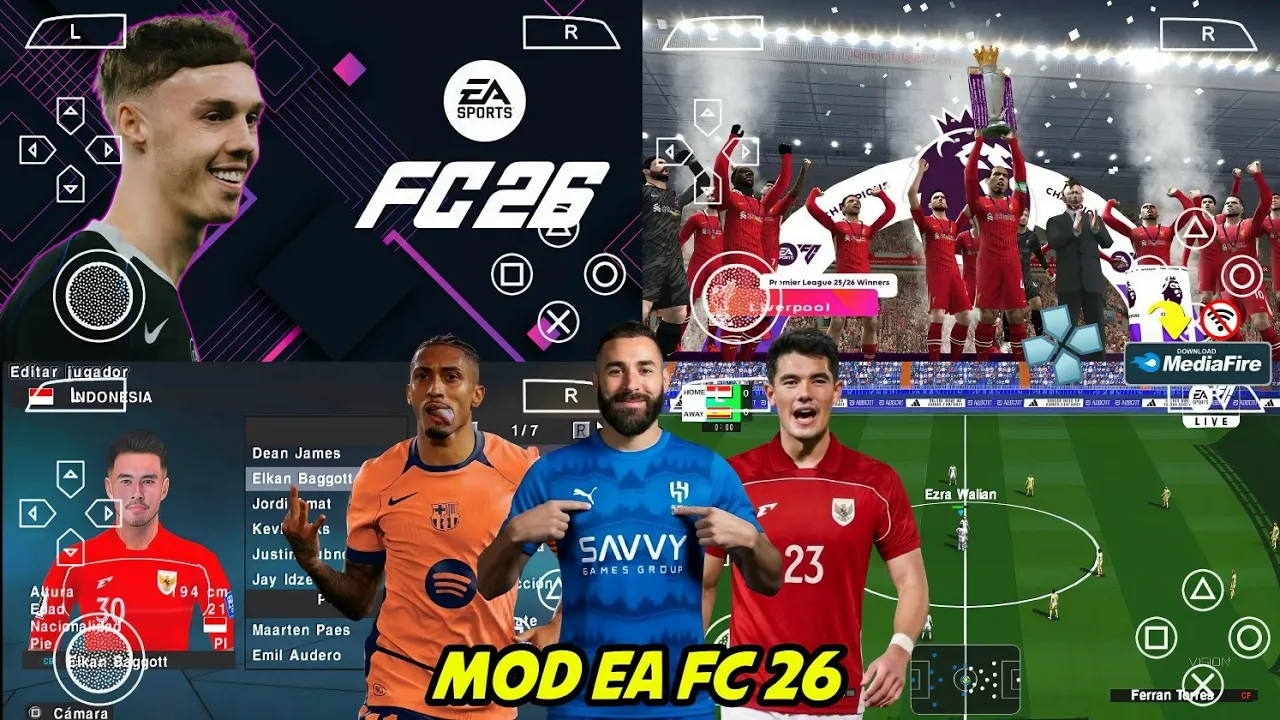
- Latest 2025/2026 Transfers: All major moves, including winter and summer windows, are fully updated.
- Promoted Teams: The game includes newly promoted clubs for the 25/26 season in the Premier League, La Liga, and Serie A.
- UCL & UEL Integration: Dedicated tournament modes with authentic 2026 branding, official match balls, and trophy celebrations.
Explore FIFA 16 MOD EA SPORTS FC 26 ANDROID OFFLINE V1
Graphics and Sound: A Broadcast-Quality Upgrade
Visual fidelity is where the EA Sports FC 26 PSP ISO truly shines. The developers have utilized high-definition textures to bypass the original hardware’s limitations.
- 4K Texture Packs: Grass, stadium architecture, and player kits are rendered in stunning clarity, especially when upscaled to 4x resolution in PPSSPP.
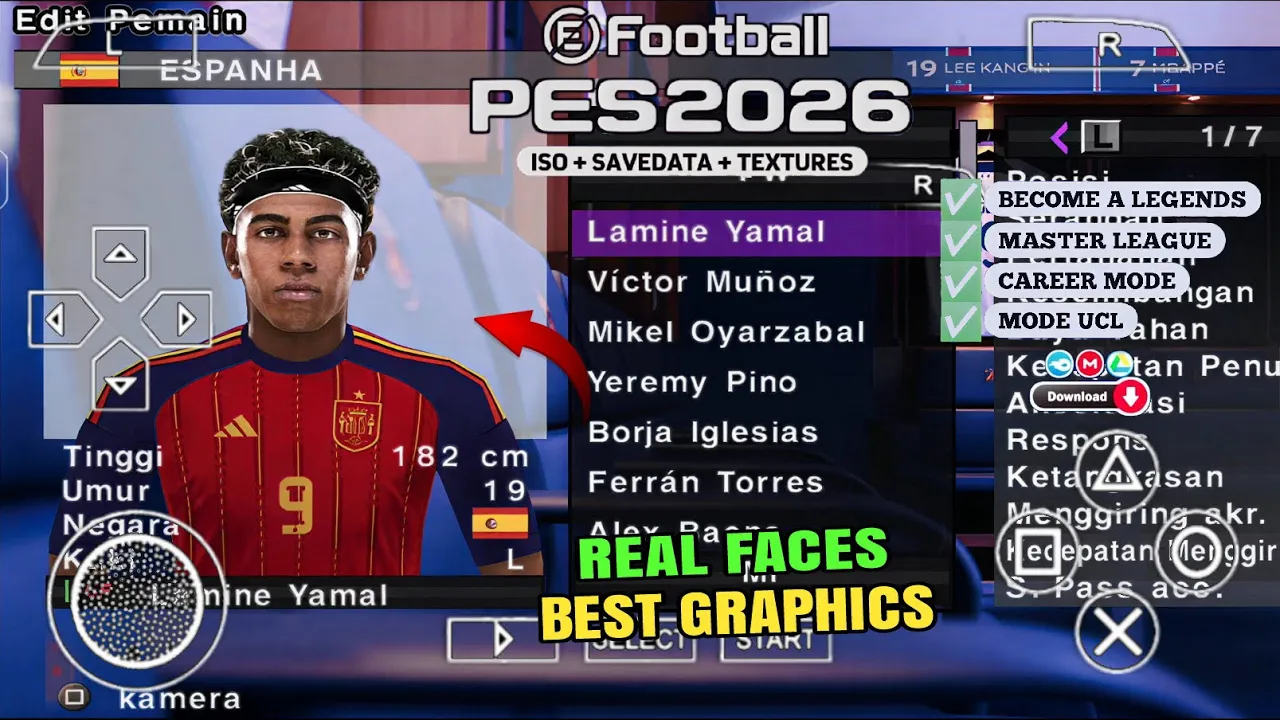
- Real Faces: Over 1,200 player faces have been meticulously updated to reflect their 2026 appearances.
- Peter Drury Commentary: The V1 build features a “Call Name Fix,” meaning Peter Drury will actually say the names of modern stars like Haaland, Mbappe, and Yamal during play.
Master League and Career Mode
For many, the draw of this mod is the Offline Career Mode. In the V1 update, the transfer market AI has been boosted to be more competitive. AI clubs will actively seek to sign wonderkids and replace aging stars, making a ten-season run feel dynamic and unpredictable. The inclusion of modern “PlayStyles” as hidden traits also ensures that top-tier players feel unique compared to average squad members.
The Power of Offline Portability
The biggest advantage of the FC 26 PSP ISO is its independence from a data connection. In an era where mobile games are plagued by ads and “energy bars,” this ISO offers:
- Zero Microtransactions: Every player and team is unlocked from the start.
- Flight Mode Compatibility: Perfect for traveling or areas with poor reception.
- Save State Support: Use the emulator’s save state feature to pause a match at any second and resume it later.
You might like PES 2012 MOD eFOOTBALL PES 2026 DOWNLOAD ANDROID OFFLINE
How to Install: The Complete Setup Guide
To ensure the game runs without crashes or “black screen” errors, follow these precise steps:
- Download: Get the EAFC26_V1.iso and the PSP folder (containing SaveData and Textures).
- Move ISO: Place the ISO file in your storage (e.g., Internal Storage > PSP > GAME).
- Extract Assets: Move the SAVEDATA and TEXTURES folders into the Internal Storage > PSP directory.
- Configure Emulator: Open PPSSPP, go to Settings > System > Language and set it to English or Español (Castellano) to ensure text displays correctly.
- Graphics Settings: Set Backend to Vulkan for better performance on modern Android devices.
FAQ: Common Troubleshooting
Why is the game in a different language?
Most PSP mods require the emulator language to match the mod’s base (usually Spanish or English). Check your PPSSPP system settings if the menus look strange.
Can I play this on 2GB RAM?
Yes, the ISO itself is lightweight. However, for 4K textures, at least 4GB of RAM is recommended to prevent stuttering.
Does it support multiplayer?
Yes, you can play with friends using the PPSSPP “Ad-Hoc” local network feature over the same Wi-Fi.
Conclusion: The Definitive Handheld Choice
The EA Sports FC 26 PSP ISO V1 is a remarkable achievement in the modding community. It offers a premium, ad-free football experience that captures the excitement of the 2026 season while honoring the technical depth of the classic PSP engine. With its updated rosters, Peter Drury commentary, and stunning PS5 camera view, it is a must-have for any mobile gamer looking for the best offline football action available today.



Leave a Reply