
Table of Contents
Introduction: The Evolution of PSP Football
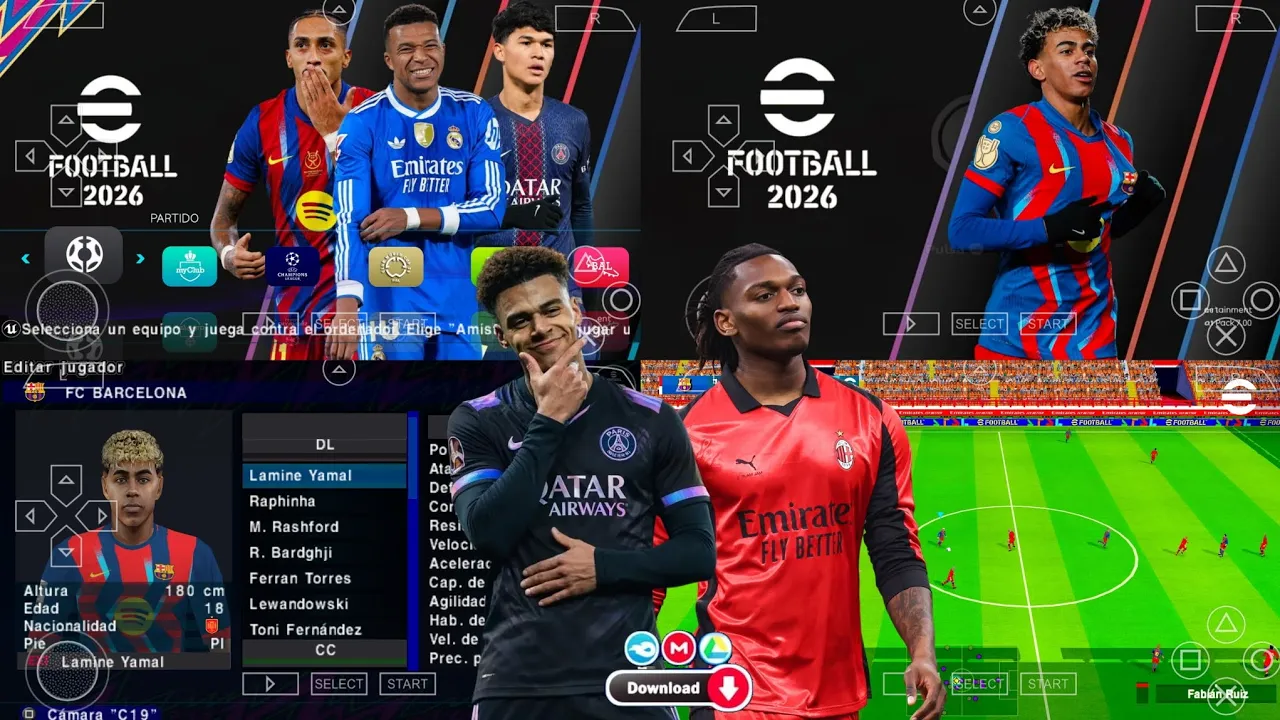
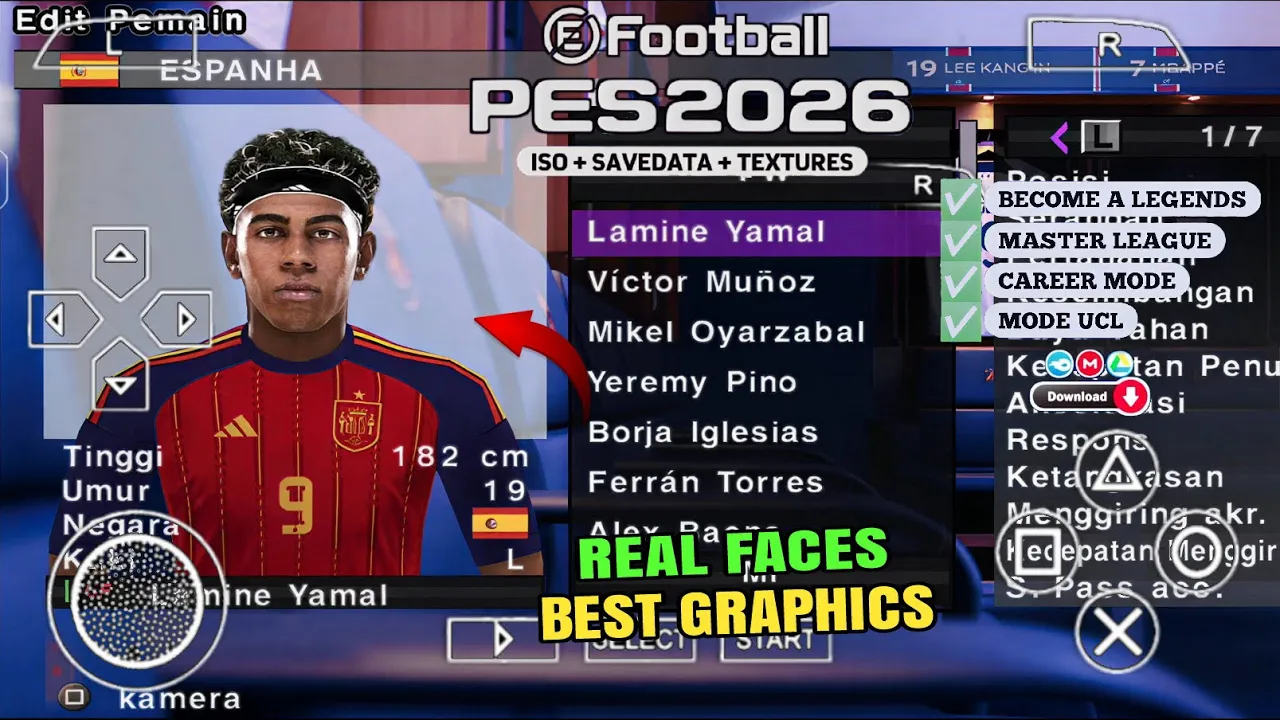
The legacy of the PlayStation Portable lives on through the incredible dedication of the modding community. While Sony moved on from the handheld years ago, the eFootball PES 2026 PSP ISO V1 Latest Update proves that a classic engine can still deliver a modern, high-fidelity sports experience. This V1 update is specifically designed for the PPSSPP emulator, transforming the base game into a 2026 powerhouse. It features the latest transfers, kits, and a visual overhaul that rivals modern mobile releases, all while remaining completely offline.
For gamers who find modern mobile titles too reliant on microtransactions and internet pings, the PSP ISO mod remains the gold standard for pure, skill-based football on Android and iOS.
You Might Like FIFA 16 MOD EA SPORTS FC 26 ANDROID OFFLINE V1
Gameplay: The Iconic PS5 Camera Experience
The standout feature of this V1 release is the inclusion of the PS5 Camera Pack. Unlike the traditional tight camera angles of the original PSP titles, this mod introduces a wide, broadcast-style perspective. This allows you to see the entire pitch, making it easier to execute long-range cross-field passes and anticipate defensive gaps.
The gameplay mechanics have been tuned to feel more weighted and realistic. You will notice that players with high “Physical Contact” stats can shield the ball more effectively, and the “Stunning Shot” mechanic from the console versions has been replicated through specific button combinations.
Graphics and Sound: A Technical Marvel
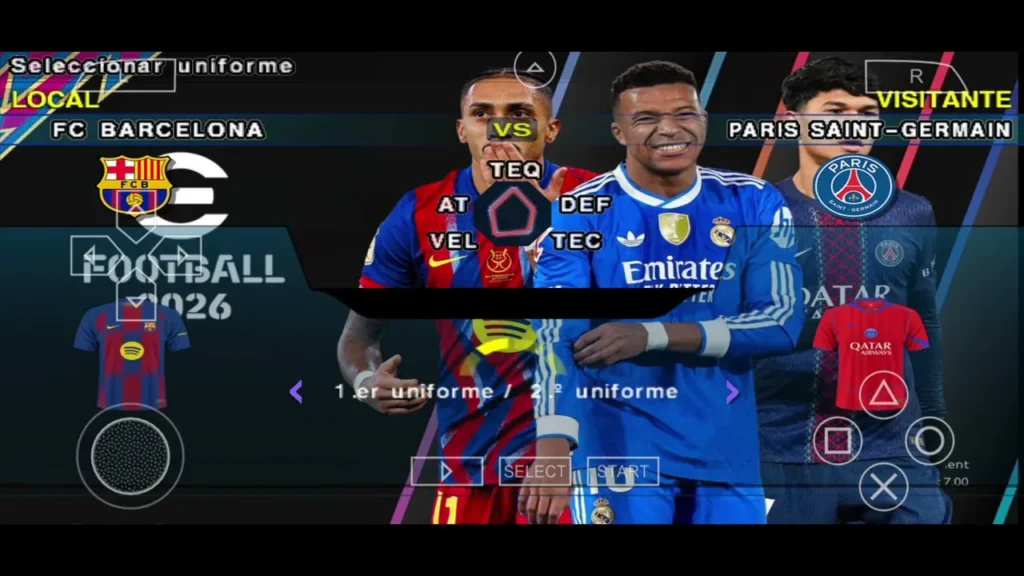
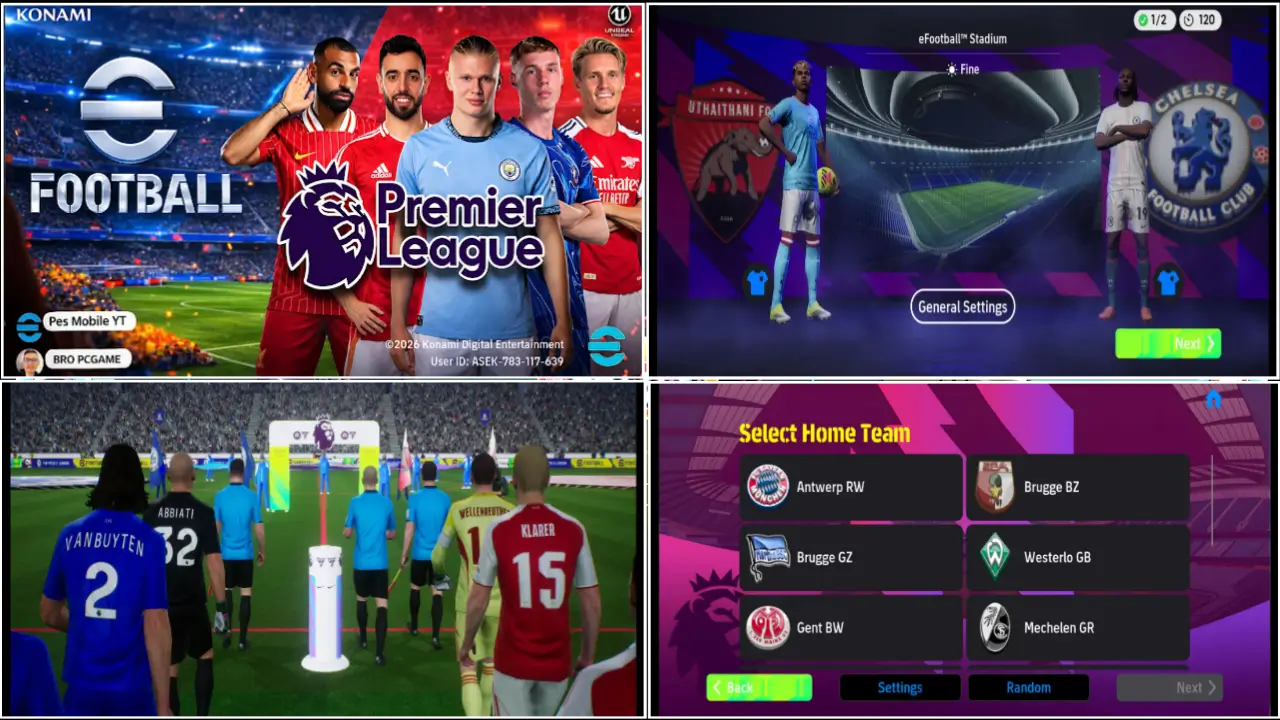
Don’t let the “PSP” label fool you; the developers have integrated 4K textures and HD shaders.
- Player Faces: Over 1,000 real faces have been updated for the 2026 season, including the latest hairstyles for superstars like Vinícius Jr. and Erling Haaland.
- Stadium Atmosphere: The V1 update includes new stadium models with dynamic lighting, giving matches a broadcast-quality feel.
- Peter Drury Commentary: This mod replaces the stock audio with the legendary Peter Drury and Jim Beglin. The commentary is surprisingly responsive, calling out the names of new wonderkids and reacting to last-minute winners.
Features: What’s New in V1?
This version is a comprehensive “Season Update” that leaves no stone unturned.
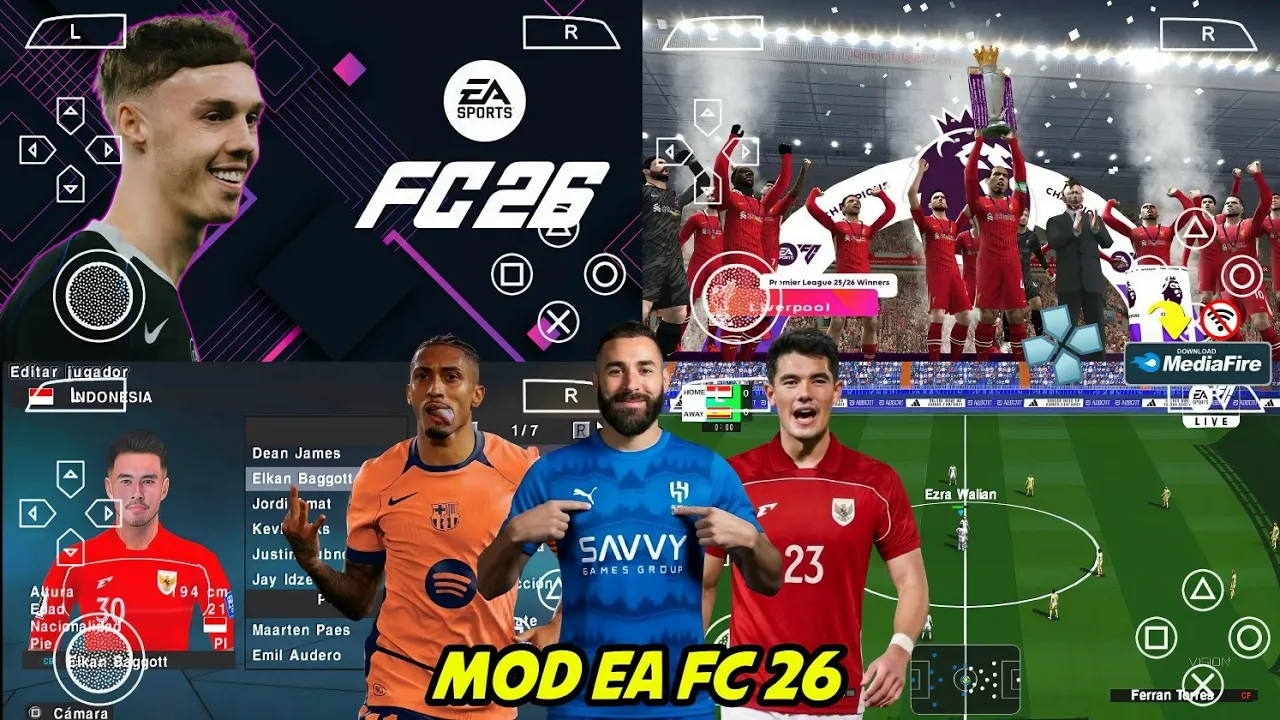
- Latest Transfers: All 2025/2026 transfers are completed, including promoted teams from the Premier League, La Liga, and Serie A.
- UCL & UEL Mods: Play through a fully licensed Champions League mode with authentic scoreboards, adboards, and trophy ceremonies.
- Master League 2.0: A revamped Master League with a more aggressive transfer market AI and updated player growth curves.
- Special Kits: Includes all 2026 home, away, and third kits, meticulously rendered in high resolution.
System Requirements for PPSSPP
To get the most out of the eFootball PES 2026 PSP ISO, your device should meet these minimum specs:
- RAM: 2GB (4GB recommended for 4x resolution).
- Storage: 2.5GB of free space.
- Emulator: Latest version of PPSSPP (Gold or Blue).
- Processor: Quad-core 1.5GHz or higher.
Recommended PES 2012 MOD eFOOTBALL PES 2026 DOWNLOAD ANDROID OFFLINE
How to Install: The Proper Way
Follow these steps to avoid the common “Black Screen” error:
- Download: Ensure you have the ISO file, Save Data, and Textures.
- Move ISO: Place the PES2026.iso in your PSP/GAME or a dedicated folder.
- Textures: Extract the Textures zip to Internal Storage > PSP > TEXTURES.
- Save Data: Extract the Save Data zip to Internal Storage > PSP > SAVEDATA.
- Settings: Open PPSSPP, go to Settings > System > Language, and set it to Español (Castellano) or English depending on the specific mod version to ensure the text loads correctly.
Optimized Emulator Settings
For 60FPS gameplay without lag, use these settings in PPSSPP:
- Backend: Vulkan (if supported) or OpenGL.
- Rendering Resolution: 2x or 3x PSP.
- Frame Skipping: Off.
- Texture Filtering: Linear.
FAQ: Troubleshooting and Tips
Why are the players’ names wrong?
This usually happens if the Save Data is not in the correct folder. Ensure the SAVEDATA folder is placed inside the PSP directory on your internal storage.
How do I fix the black screen on launch?
Go to PPSSPP Settings > Tools > Developer Tools and make sure “CPU Core” is set to “Dynarec.” Also, ensure you have allocated enough storage permission to the app.
Can I play this on my PC?
Yes! The PPSSPP emulator works on Windows and macOS, allowing you to play the same ISO file with even higher graphical settings.
Conclusion: The Definitive Handheld Football
The eFootball PES 2026 PSP ISO V1 Latest Update is a masterclass in community-driven gaming. It transforms an aging handheld platform into a modern football simulator that rivals its console counterparts in depth and excitement. Whether you are a fan of the classic Master League or just want a high-quality offline game for your commute, this V1 update is a mandatory download for every football enthusiast in 2026.



Leave a Reply