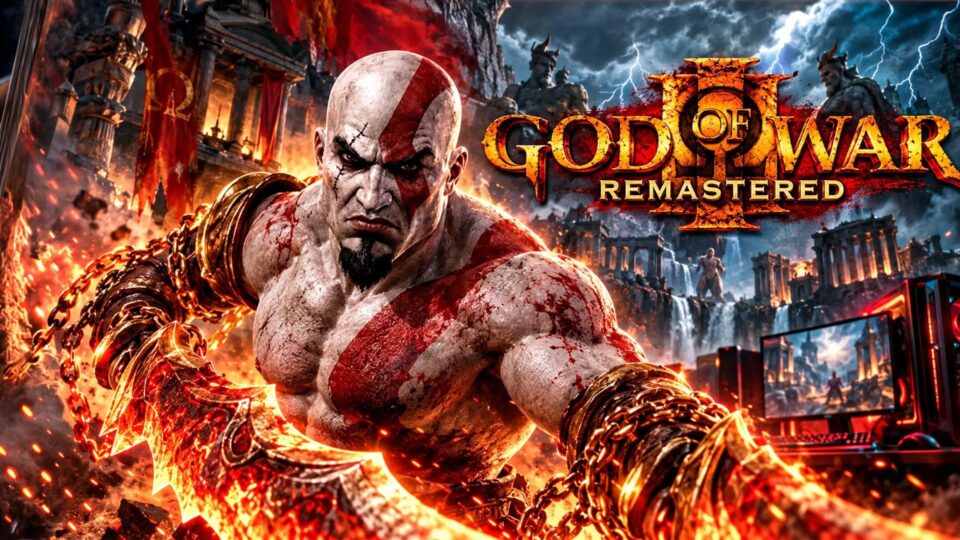
Are you a fan of the God of War series? You can find two God of War download options below, including God of War: Ghost of Sparta USA for PSP, which can be played using the PPSSPP emulator on Android.
The download section also includes a separate file named God of War Ragnarok. Please check the file descriptions carefully before downloading because the two packages are different.
God of War PPSSPP Features
God of War: Ghost of Sparta is a PSP action-adventure game featuring:
- Single-player adventure gameplay
- Story-driven missions
- Console-style PSP gameplay
- PPSSPP emulator compatibility
- Android touchscreen controls
- Customizable graphics and control settings through PPSSPP
Language information: The second download is identified as the USA PSP version, but the MediaFire listing does not confirm its available language options. Check the game settings after launching it.
Download Information
| File | Format | Size |
| God of War Ragnarok | ZIP | 76.8 MB |
| God of War: Ghost of Sparta USA PSP | 7Z | 914.69 MB |
The file sizes and archive formats are based on the MediaFire listings.
Extraction Password
Password:
GODWR BY SAMI MASTERNO1
Enter the password exactly as provided if the archive requests it. The supplied password has not been independently tested against both files.
How to Install God of War Ghost of Sparta on Android
- Download the Ghost of Sparta PSP archive.
- Install ZArchiver if you need an archive manager.
- Open ZArchiver and locate the downloaded 7Z file.
- Tap the archive and select Extract.
- Enter the password if requested.
- Wait for extraction to finish.
- Open PPSSPP.
- Browse to the extracted game ISO.
- Select the ISO to launch the game.
Do not try to open the 7Z archive directly inside PPSSPP. Extract it first.
How to Set PPSSPP Language to English
- Open PPSSPP.
- Go to Settings.
- Find the Language option under the system settings.
- Select English if it is available.
- Return to the main screen.
This changes the emulator interface language. The game’s own language may depend on the particular game release.
Performance Tips
- Keep enough free storage for the download and extracted files.
- Use a recent PPSSPP version.
- Try the default graphics settings first.
- If gameplay is slow, reduce graphics settings gradually.
- Keep your game files organized so PPSSPP can locate them easily.
Download Notice
When you click a MediaFire download button, an advertisement may open in a new window. Close or cancel the advertisement and return to the intended download page.
Disclaimer
These are third-party file uploads. The Ragnarok filename does not establish that the first archive is an official PSP release. God of War and its related trademarks belong to their respective owners. This page is for informational purposes and does not claim official affiliation.
Frequently Asked Questions
Can I play God of War Ghost of Sparta on Android?
Yes. The PSP version can be played using a compatible PPSSPP emulator.
Which download is the PSP version?
The second link is specifically named God of War Ghost of Sparta USA PSP.
What is the extraction password?
GODWR BY SAMI MASTERNO1
How do I change PPSSPP to English?
Open PPSSPP Settings, locate Language and select English.
Is God of War Ragnarok the same as Ghost of Sparta?
No. They are different titles. The supplied download filenames identify two separate packages.
Conclusion
Choose the Ghost of Sparta USA PSP archive if you want the file specifically identified as a PSP release. Check the separate Ragnarok ZIP carefully before using it.
Follow Bulk Gaming’s for more PPSSPP games, Android gaming updates and emulator tutorials.
Follow for more PPSSPP games and Android gaming tutorials.
